3D Disability Modeling
CGI in movies; Finding Nemo, Avatar, Harry Potter and Lord of the Rings. Movie studios employ dozens of CGI (Computer Generated Image) artists who toil for years just to produce a two hour movie. Most of us take months to learn how to use complex NURBS 3D modeling programs. Webmasters will be familiar with 3D modeling tools. I have experience with Lightwave, Maya, Max, Poser, Rhino, Cybermotion, Blender, Daz 3D and others. I thought you might like to see a few of my 3D disability modeling creations.
This 11 second video clip is so old I forget the name of the program it was made with. I do remember it allowed a photo of someones face to ba applied to the model. This is my friend Kylie. We then select clothes, soundtrack, and coreograph her dance moves. Set a camera angle and render (produce) the scene. Note* the full length video clip is much higher quality.
[flv:kylie_11s_2133kb.flv kylie_11s.jpg 620 465]
That was easy and fun, lets’ jump from this simple 3D modeling tool to a full on sophisticated CGI industry heavy weight, Rhinoceros 3D.
A 3D model in Rhino is a series of connected shapes that form a mesh. For example, a triangle is three connected lines making three points. It’s only a frame until you color it in. Then it takes on the appearence of a flat surface (with three points). By adding more points along any side of the triangle, we can manipulate them to form complex shapes (polygons), which eventually become our 3D model. Here are some screen shots of building a Rhino 3D light bulb mesh.
[nggtags gallery=lightbulb]
Now with a few additions our 3D light bulb can be used in a real world marketing applications like this ‘Self Illumination’ example by Andre Kutscherauer.
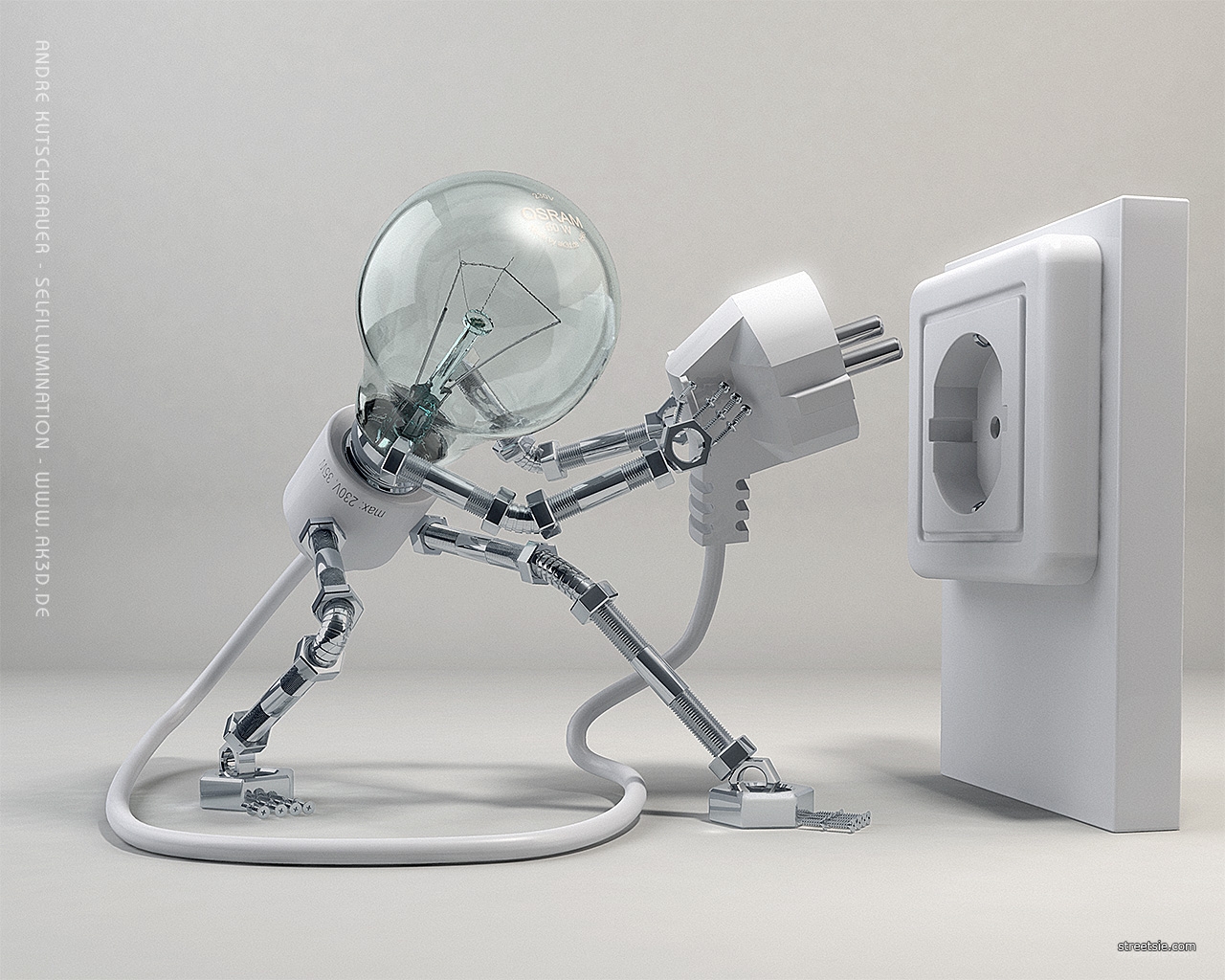
Color gloss and transparency bring to life a model in true Disney Pixar movie style. Things have come a long way since the early days of my 3D modeling Kylie. For a long time the complexity of the human face resembled mannequins but not any more. In the current CGI world, mathematical CAD (Computer Aided Design) and RPG (Role Playing Game) designers have blended, producing very realistic life like 3D models. It’s old world meets new school to stunning visual effect.
I have used Rhinocerous 3D for many years. Rhino 3D can create, edit, analyze, document, render, animate, and translate NURBS curves. Surfaces and solids have no limit on complexity, degree, or size. Rhino supports polygon meshes and point clouds. Rhino also has a very user friendly interface. I find the animation side over complicated however, so generally create .3ds or .obj models in Rhino then import them into another program like Blender or Daz 3D to animate and render.
The really cool thing with Blender is it’s free. Yes completely free, and just as powerful as the 3D modeling big boys. Blenders downfall is an overly complicated interface. Simply importing a 3D model will have most new users scratching their head. Blender uses python scripting to animate which is great, but again difficult for beginners. If you start with a free .3ds model you’ll be off to a flying start.
Here’s a sneak peak at a wheelchair 3D disability modeling project I’m currently working on. I call her Ioke.
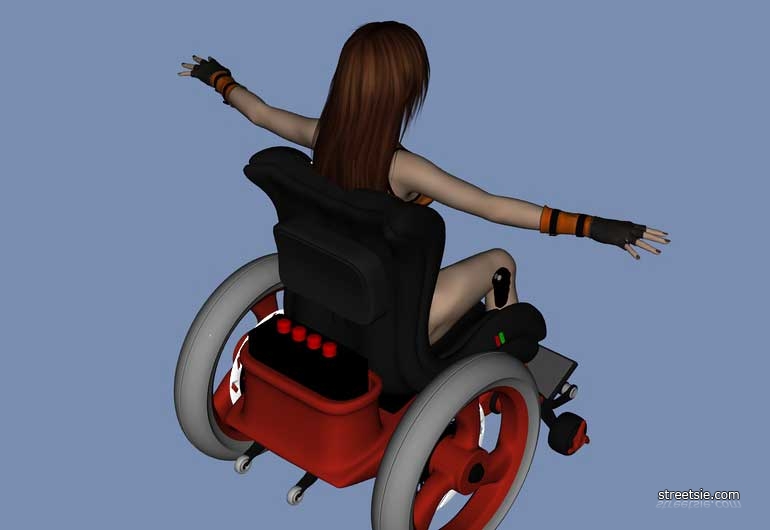
Stay tuned for more Ioke… coming soon.
Resources
- Blender: http://www.blender.org
- Daz 3D: http://www.daz3d.com
- Cybermotion 3D-Designer: http://download.cnet.com/CyberMotion-3D-Designer/3000-6677_4-10217888.html
- Lightwave: http://www.newtek.com/lightwave.html
- Rhinoceros 3D: http://www.rhino3d.com
While I love the special effects in my movies, magazines and television…I view computer generated imagery with caution. Or at least concern. Where does it leave those of us who create art the “old-fashioned” way by putting pencil to paper and brush to canvas? Computer generated art, while it is becoming it’s own genre, still lacks that human component: when one views a painting one is glimpsing a portion of the artist’s soul. We can enjoy both forms of art I suppose, but still…gotta go and buy more paint!
How is CGI or CAD a threat to canvas and paintbrush artists? There are vast differences. I can’t think of one movie that was ever created from a series of old fashioned paintbrush paintings. CGI has always been it’s own genre. You cant hang it, touch it, smell it like you can an oil painting. Likewise you can’t rotate a painting for 360 degree viewing, animate it, make precise working scale models, or test its robustness to a tornado. CAD is a powerful mathematical design tool.
Leonardo Davinci was an amazing brush artist but also brilliant inventor. I wonder what he could have done with a CAD program. I paint and sketch but will never get close to making anything like pre disability days with pinpoint sharp HB pencils. Graphic design programs allow me to be creative in other ways. I look at wheelchairs, hoists and other disability equipment these days and think, whoever designed this obviously doesn’t use it.
T’was a tongue in cheek comment regarding computer generated imagery and old school painting. A model recently provided me an image that I have rendered into 2′ x 3′ sketch. The work it is taking me to enlarge into an 8′ x 10′ image is taking me a lifetime. I do not dispute the viability and useful aspects of the computer in the studio.
As for the morons who have designed wheelchairs, hoists and such: a million pin pricks in hell! I have just returned from a second trip visiting a dear one who must use a wheelchair, as well as other gear. WTF! I have enjoyed the folly of trying to repair broken parts. As well as pinching fingers. Blocked spaces, etc. Too many little parts. Too heavy. My friend enjoyed my outrage and let me rant. My anger spent we got about making adjustments and changes to the environment.
The community, no doubt, could take over the engineering of aids via CAD and in half an hour come up with lighter, faster and safer equipment.